CLOCK: A Digital Clock with Big Digits and an Alarm
CLOCK
- Type
- Utility
- Language
- Commodore BASIC V2
- Length
- 74 lines · 13 blocks (3,153 bytes)
- Keys
- Digits, INST/DEL and RETURN to set it; Y/N for the alarm; any key stops the alarm; Q quits
- Special keys
- None
Tell the C64 what time it is, and it keeps the time on its own, in big digits across the middle of the screen, with a colon that blinks every second. Set an alarm and at the right minute it beeps and flashes until you press a key. The clock itself is one line of BASIC: everything else is about drawing big numbers quickly.
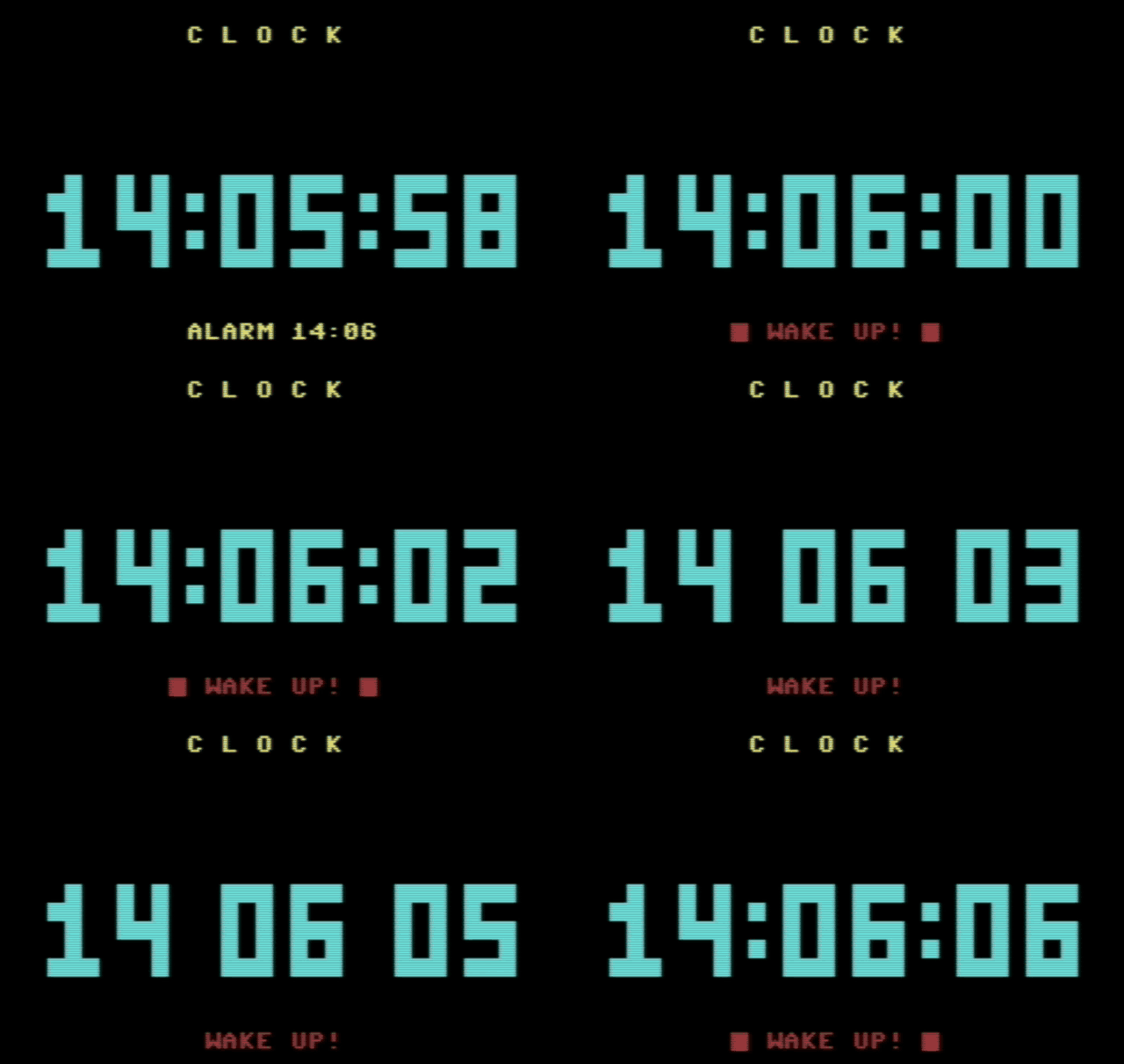 |
| Recorded in VICE: the minute turns, the alarm goes off, and the colon blinks once a second. |
The listing
Type every letter without SHIFT. This listing has a remark on most lines, after :REM. They explain the code as you type it, but the C64 ignores them, so you can leave them out to save typing: the program runs the same.
Line 660 prints twelve spaces between the quotes, to wipe out the alarm message. The prompts in lines 220–240 and 280–300 have spaces that line them up, too.
How it works
| Lines | Block |
|---|---|
| 100–190 | Setup: colours, control codes, the SID, the digit positions |
| 200–320 | Ask for the time and the alarm, then start the clock |
| 400–450 | Draw the clock screen |
| 500–610 | Main loop: wait for a new second, redraw what changed, blink, alarm |
| 620–660 | Subroutines: ring the alarm, stop the alarm |
| 700–790 | Subroutine: build the ten big digits, once |
| 800–810 | Subroutine: a number as two digits |
| 850–885 | Subroutine: read a number from the keyboard |
| 900–920 | Quit |
TI$: a clock that is already running
The C64 has a clock built in. Sixty times a second an interrupt adds one to TI, the jiffy counter, whatever your program is doing. TI$ shows the same count as a time of day, six digits hhmmss, and unlike TI you can set it: TI$="073000" means half past seven. From then on the C64 counts by itself, and at 23:59:59 it rolls over to 000000 on its own. So the program never adds seconds: it only reads TI$ and draws it.
Two things stop the count: anything that switches the interrupt off, like loading from tape or disk, and switching the machine off. A clock in BASIC is as accurate as the interrupt, which is good enough for a desk and not for a railway.
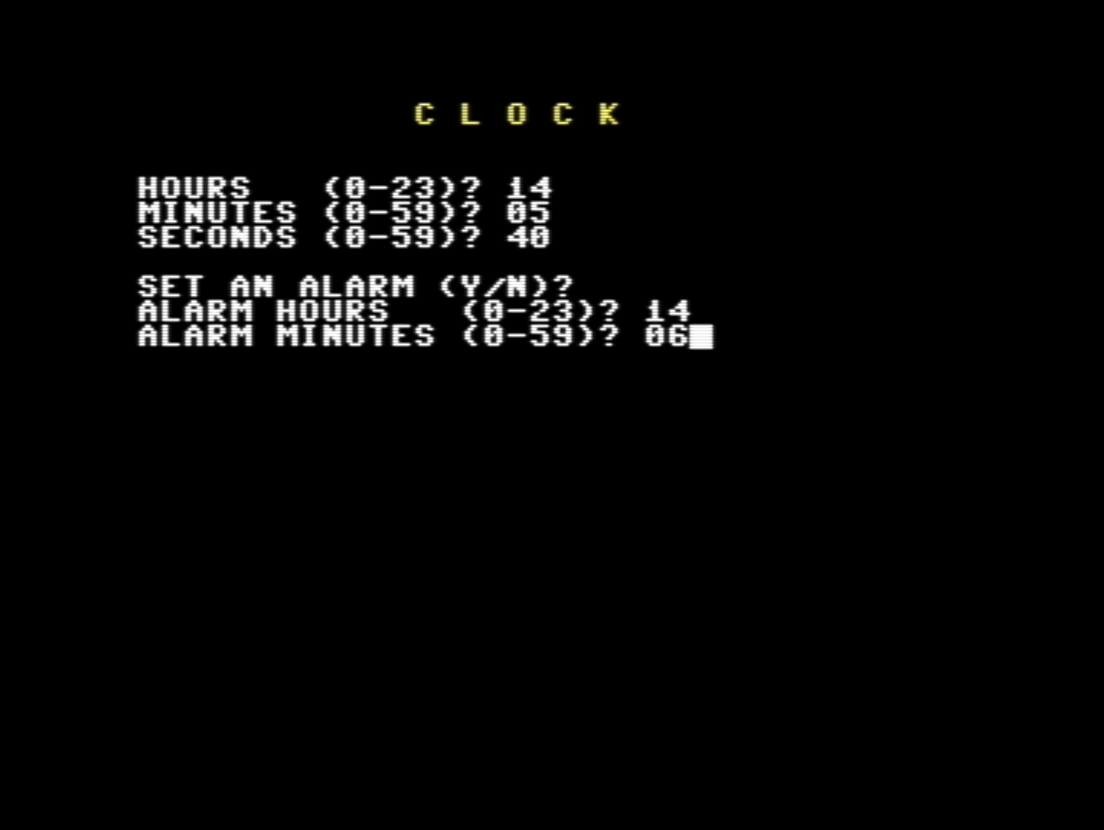 |
| Setting the clock and the alarm. The block after 06 is the program’s own cursor. |
Lines 850–885: our own INPUT
The program does not use INPUT to ask for the time. It reads the keys one by one with GET, in a small subroutine of its own:
- Only the digits 0 to 9 are accepted, and at most two of them (line 880). Letters, a minus sign or a third digit are simply ignored, so a wrong answer can never be typed in the first place.
- INST/DEL,
CHR$(20), takes back the last digit (lines 870–875). - RETURN only counts once there is at least one digit (line 865).
- The cursor is our own: a reversed space, printed after each digit and then stepped back over with
LF$, a cursor-left.
The caller only has to check the range: IF H>23 THEN 220 asks again on the next line.
There is a second reason. In the first version of this program, with INPUT, VICE showed a stray character next to the title once the clock screen appeared: the first digit of the last answer, in the same column where it had been typed. Reading the keys with GET leaves nothing behind, and the stray digit is gone.
The alarm question uses GET too, so a single Y or N is enough.
Lines 800–810: two digits, the short way
TI$ wants exactly six digits, so 7 must become “07”. Adding 100 does it: STR$(7+100) is “ 107”, and its last two characters are “07”. For 23, “ 123” gives “23”. One line, no IF.
Lines 700–790: big digits made of blocks
Each digit is drawn on a 3×5 grid. The DATA lines hold the ten grids, row by row, with 1 for a block and 0 for a space. Seven, "111001001001001", is:
1 1 1
0 0 1
0 0 1
0 0 1
0 0 1
The subroutine turns each grid into one string that draws the whole digit: a block is BK$, a reversed space, and after each row NL$ moves the cursor one row down and three columns back. It is the same trick as the dice in ZARIA: build once, print many times. Every grid writes all fifteen cells, spaces included, so a new digit always covers the old one completely.
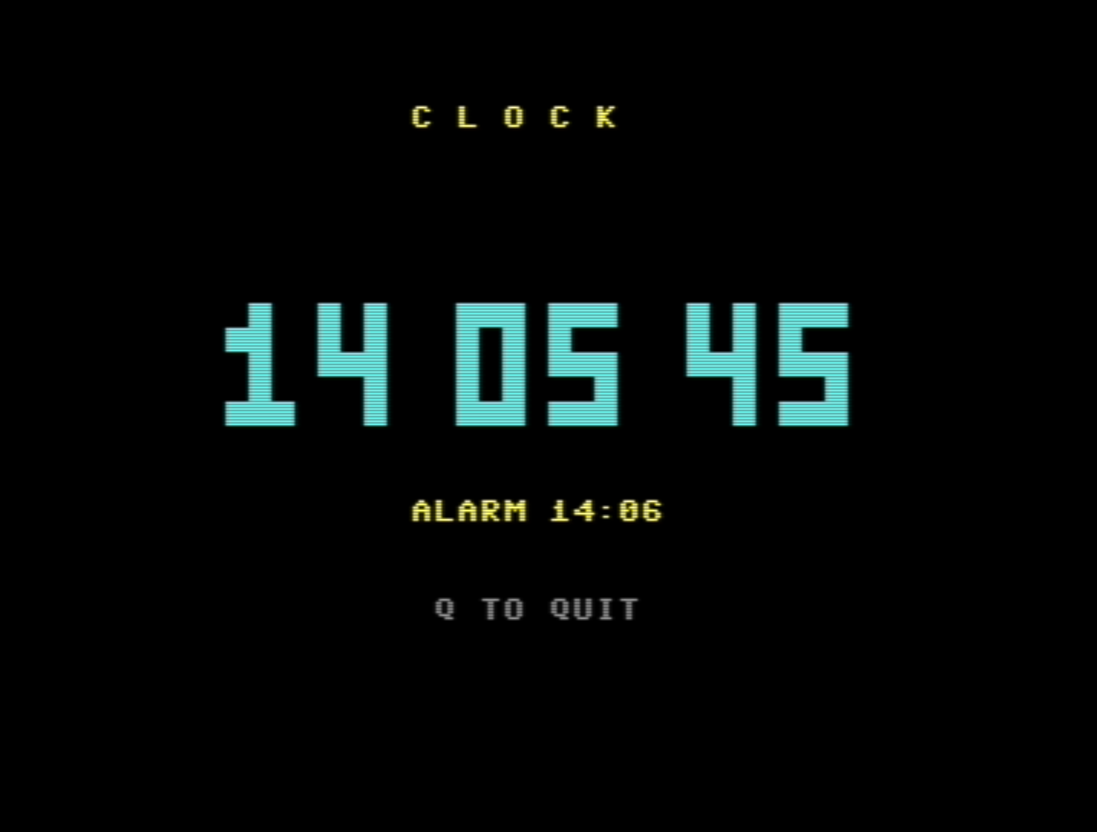 |
| 14:05:45, on an odd second, so the colon is off. |
Lines 510–560: redraw only what changed
The main loop reads TI$ and goes straight back to the start until it is different from O$, the time on the screen. When a new second arrives, it compares the two strings digit by digit and redraws only the digits that changed. Most seconds that is one digit; when 09:59:59 turns into 10:00:00, it is all six. Drawing less means the screen is never caught half-drawn.
O$ starts as "------", which matches no digit, so the first pass draws all six.
Lines 570–585: the blinking colon
VAL(RIGHT$(T$,1)) AND 1 is 0 when the last digit of the seconds is even and 1 when it is odd. So the colon is a block on even seconds and a space on odd ones, and it blinks once a second without a counter of its own.
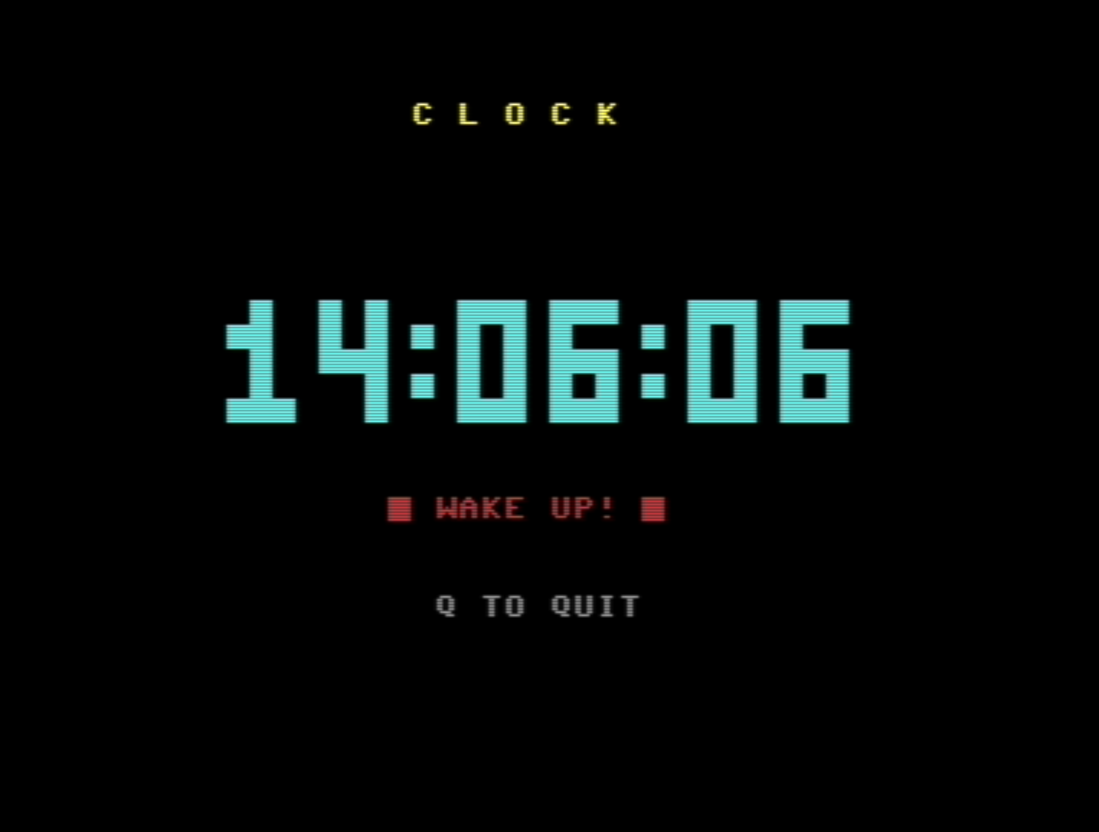 |
| Six seconds after the alarm: still ringing, until a key is pressed. |
Lines 590–660: the alarm
AL$ holds the alarm as hhmm. When the first four digits of the time match it, the alarm starts ringing and AL$ is emptied, so it rings only once. Every second while it rings, line 630 closes and reopens the gate of voice 1 for a short beep (decay 9, no sustain, so each beep fades on its own), and line 640 flashes “WAKE UP!” in red, with marks that blink with the colon. Any key stops it.
Lines 900–920: leaving tidily
Volume off and the usual colours back. The clock in TI$ keeps running after the program ends: type PRINT TI$ and see.
Variables
| Name | Holds |
|---|---|
| RV$, RO$, BK$ | reverse on, reverse off, one block |
| DN$, LF$, NL$ | 24 cursor-downs; one cursor-left; down and three back |
| G$(0)–G$(9) | the ten big digits, ready to PRINT |
| X(1)–X(6), R | column of each digit, top row |
| H, M, S | the time you typed |
| T$, O$ | the time now, the time on the screen |
| AL$, A$, RA | alarm as hhmm, alarm as hh:mm, 1 while ringing |
| C$ | the colon: a block or a space |
| SD | 54272, the first SID register |
| V, V$ | a number and its two-digit form |
| N$, K$ | the digits typed so far; the key just pressed |
Try this
- Another colour: change
CHR$(159)in line 710 toCHR$(158)for yellow digits, orCHR$(30)for green. - A snooze: in line 520, after stopping the alarm, set
AL$to the time five minutes later. - A stopwatch: set
TI$="000000"instead of asking, and you have one.
Run it
Press ↓ .PRG on the listing and drop the file on a VICE window. Source and program are also on GitHub.
With the sound on, you can hear the alarm:
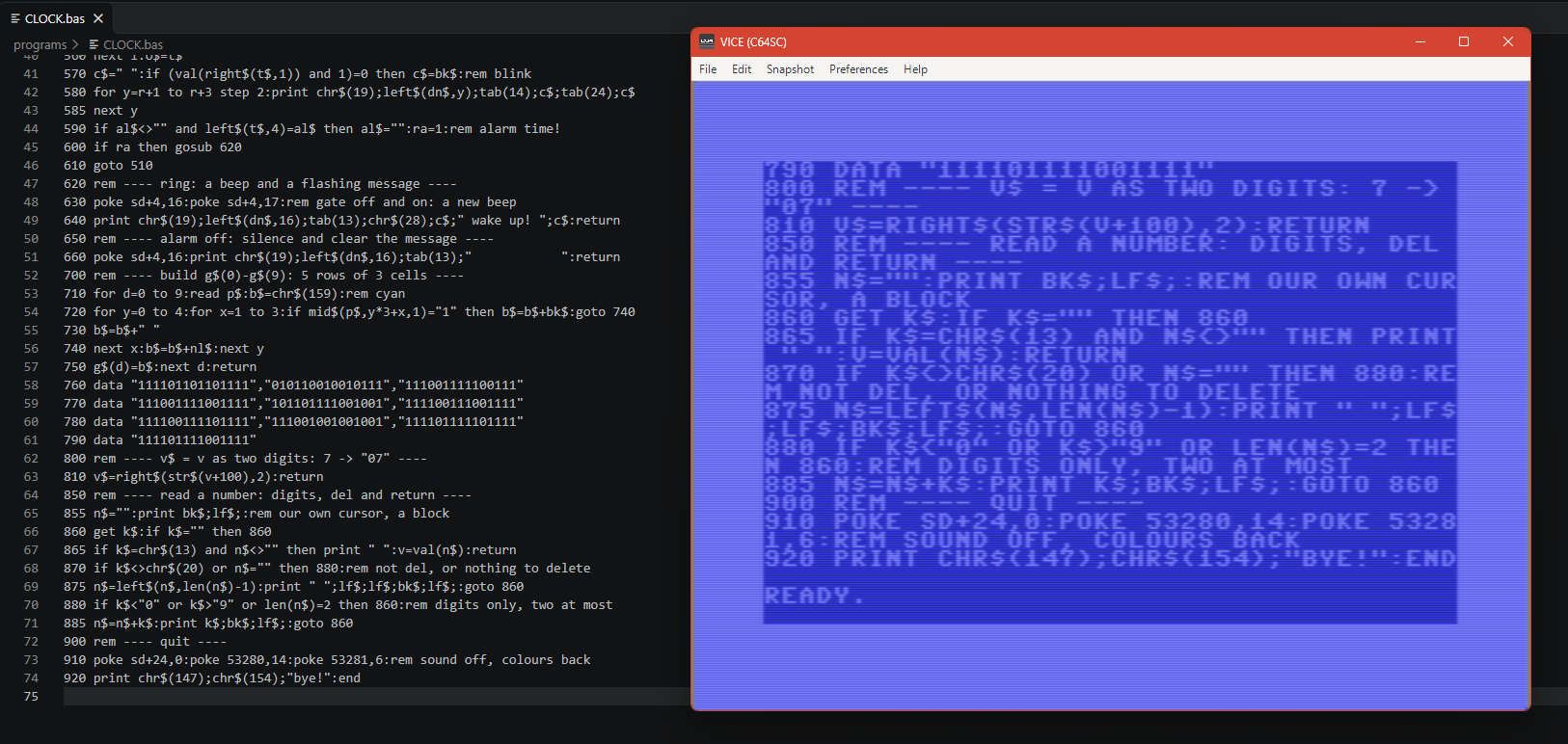 |
| In the lab: CLOCK.bas in VS Code, and the same lines listed on the C64. |
Comments
Post a Comment