READY.000 C64 Coding

READY.

Original type-in programs for the Commodore 64, written and tested in BASIC V2. Read them, tick off every line as you type it, or download a ready-to-run .PRG.


Disk directory


LOAD"$",8 ...

Disk box


SEARCHING FOR DISKS ...

Extras


LOADING ...

DODGE: A Game in 6502 Assembly

DODGE

Type
Game
Language
6502 assembly (64tass)
Size
938 bytes · 4 blocks
Type-in
A BASIC loader: 78 lines of DATA with checksums
Controls
Joystick in port 2, or Z and X; fire or SPACE to start; Q to quit

The first program on this site that is not BASIC. DODGE is a tiny game written in 6502 assembly, the language of the C64’s own processor: steer a ship along the bottom of the screen and dodge the rocks that fall faster and faster. It moves smoothly, 50 times a second, and the graphics chip itself tells the program when a rock hits you. All of it fits in 938 bytes.
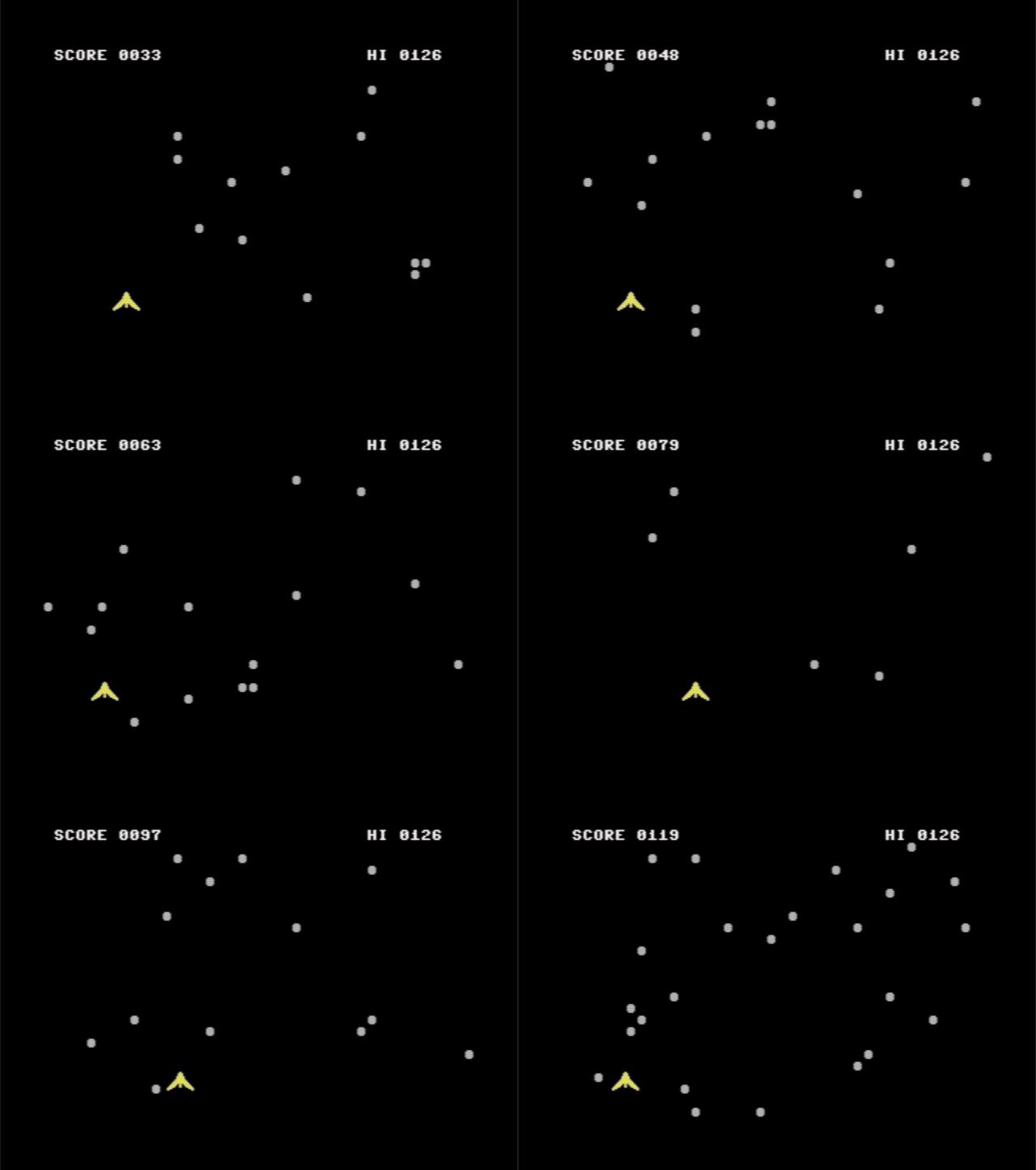
Animation: a yellow ship weaves between grey rocks falling down a black screen, with the score counting up at the top
Recorded in VICE: the rocks fall a row at a time, the ship moves every frame.

CLOCK: A Digital Clock with Big Digits and an Alarm

CLOCK

Type
Utility
Language
Commodore BASIC V2
Length
74 lines · 13 blocks (3,153 bytes)
Keys
Digits, INST/DEL and RETURN to set it; Y/N for the alarm; any key stops the alarm; Q quits
Special keys
None

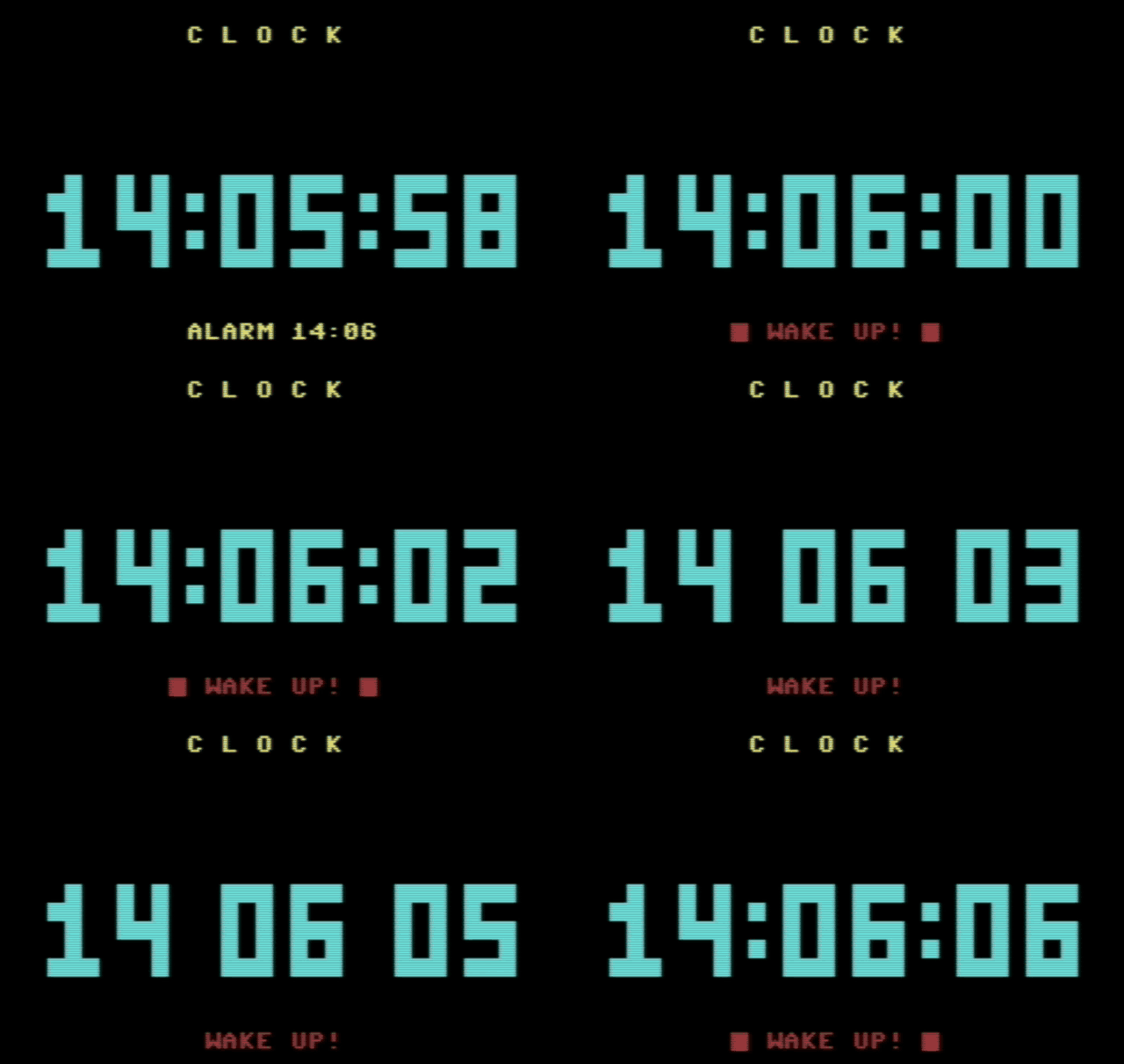
Tell the C64 what time it is, and it keeps the time on its own, in big digits across the middle of the screen, with a colon that blinks every second. Set an alarm and at the right minute it beeps and flashes until you press a key. The clock itself is one line of BASIC: everything else is about drawing big numbers quickly.

Animation: big cyan digits count from 14:05:59 to 14:06:06 on a black screen, the colon blinks, and a red WAKE UP! message flashes
Recorded in VICE: the minute turns, the alarm goes off, and the colon blinks once a second.

Quadratic Equations: Solving ax²+bx+c=0 in BASIC

QUADRATIC EQUATIONS

Type
Maths
Language
Commodore BASIC V2
Length
64 lines · 7 blocks (1,551 bytes)
Keys
Numbers and RETURN; Y for another equation
Special keys
None

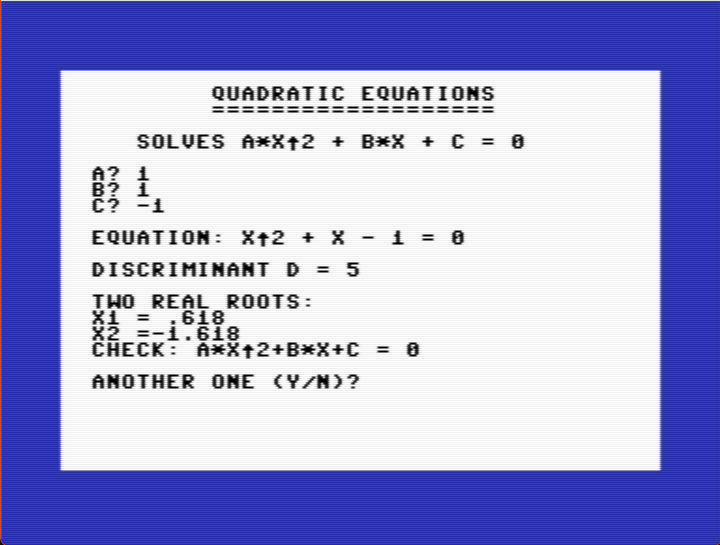
Type in three numbers and the C64 solves ax² + bx + c = 0. It writes the equation out the way you would on paper, shows the discriminant, finds two real roots, one double root or two complex ones, and then checks its own answer by putting it back into the equation. If a is zero it is not a quadratic at all, and the program says what it is instead.

The C64 solving x squared plus x minus 1: discriminant 5, roots .618 and -1.618, check 0
x² + x − 1 = 0: two real roots, and the check comes back 0. Running in VICE.

The Bouncing Ball: Animation with POKE

THE BOUNCING BALL

Type
Graphics
Language
Commodore BASIC V2
Length
30 lines · 4 blocks (956 bytes)
Keys
+ faster, - slower, Q quits
Special keys
None

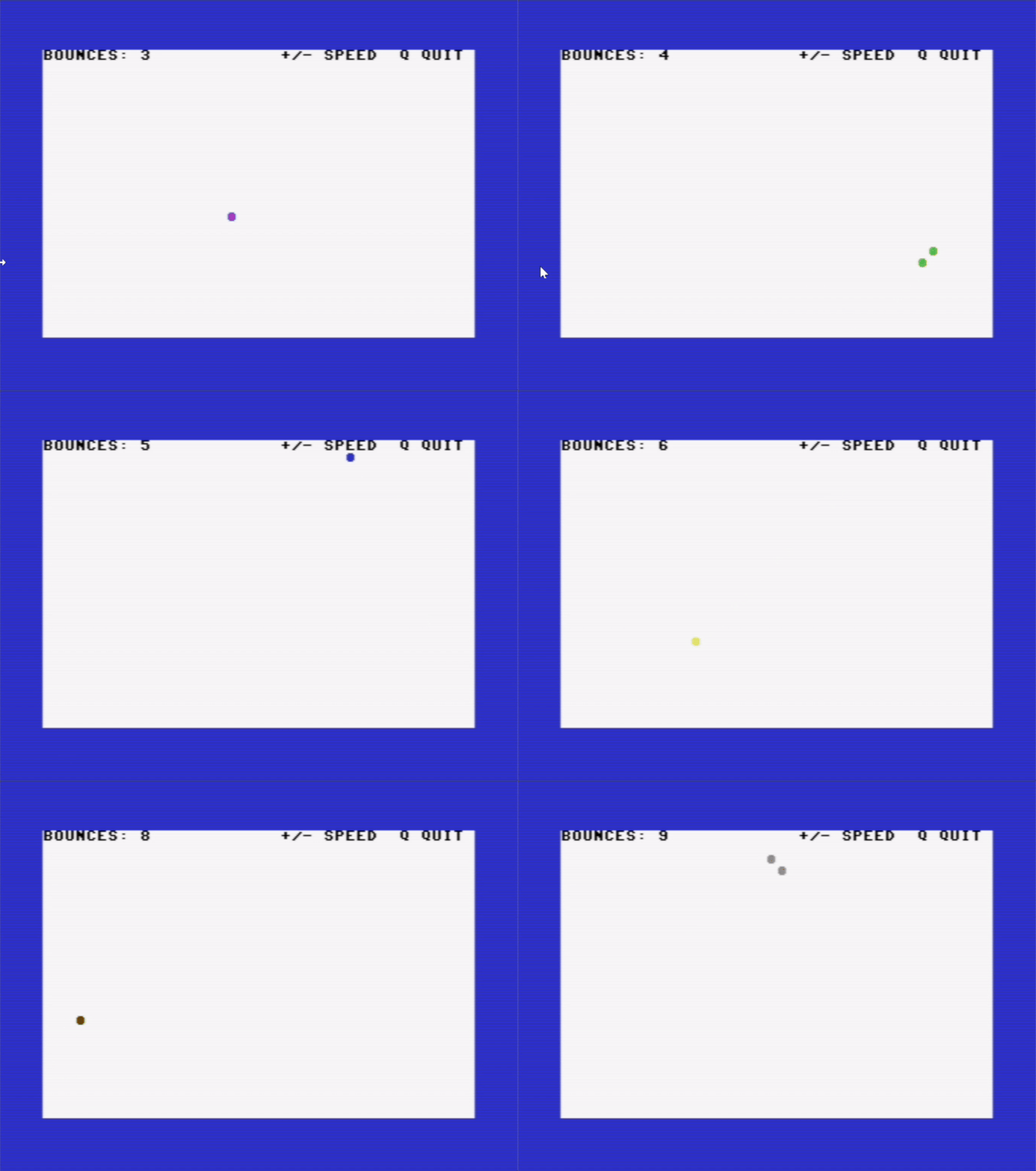
The simplest way to move something on the C64 screen: POKE a ball into screen memory, rub out the old one, and do it again one step further on. This ball bounces off all four edges, changes colour every time it hits one, plays a note on the SID and keeps count. You can speed it up and slow it down while it runs.

Animation: a ball bouncing round a white screen with a blue border, changing colour at every bounce, with a bounce counter at the top
Recorded in VICE. Every bounce brings a new colour and a note. Now and then you may catch two balls for an instant: the new one is drawn just before the old one is erased.

Running the Programs: VICE, .PRG Files and Real Hardware

AT A GLANCE

Emulator
VICE, free, for Windows, macOS and Linux
Which C64
x64sc, the cycle-exact one
Run a .PRG
Drag it onto the VICE window
Real C64
Copy the .PRG to an SD card for an SD2IEC, then LOAD"NAME",8

Every listing on this site comes with a ↓ .PRG button: the finished program, ready to load. This page shows how to run those files in VICE, the emulator used to test every listing here, and on a real Commodore 64.

How to Type In a Listing

AT A GLANCE

Letters
Type them without SHIFT
Each line
Line number, then the code, then RETURN
{CODES}
Keys pressed inside quotes; the legend under each listing says which
Save
SAVE"NAME",8 every few minutes
Stuck?
LIST the line from the error and compare it, character by character

In the 1980s, most software for the Commodore 64 arrived on paper. Books and magazines printed programs line by line, and you typed them in. It took an evening, the first RUN usually ended in ?SYNTAX ERROR, and it was the best way ever invented to learn BASIC. This guide covers everything you need to type in the listings on this site, on a real C64 or in an emulator.

ZARIA: Three Dice on the Commodore 64

ZARIA

Type
Game
Language
Commodore BASIC V2
Length
49 lines · 7 blocks (1,615 bytes)
Keys
Any key rolls, Q quits
Special keys
None, everything is typed as CHR$()

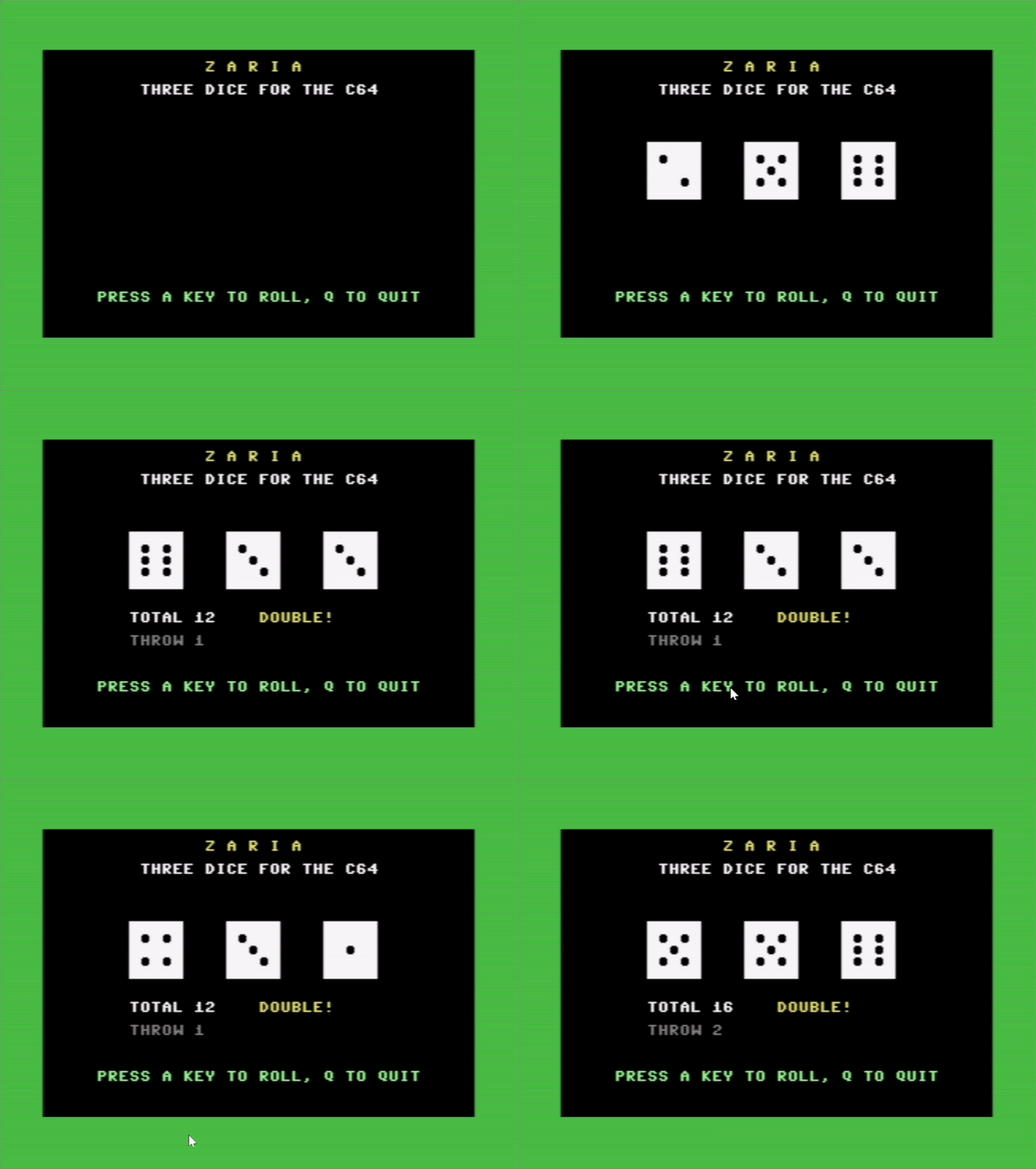
Zaria is Greek for dice. Press a key and three dice tumble across the screen, slowing down with a rattle from the SID, until they land and the C64 adds them up. Doubles and triples get called out. It is a short program, but it touches most of what makes the C64 screen fun to work with in BASIC: reverse video, cursor control codes, PETSCII graphics, and a sound chip that is one POKE away.

Animation: three white dice tumble on a black screen, land on six, three and three, and the C64 shows total 12 and DOUBLE
Two rolls, recorded in VICE. Each one tumbles for about two seconds before the dice settle.

DODGE: A Game in 6502 Assembly

DODGE Type Game Language 6502 assembly (64tass) Size 938 bytes · 4 blocks Type-in A BASIC loader: 78 lines of DATA with checksums Controls Joystick in port 2, or Z and X ; fire or SPACE to start; Q to quit The first program on this site that is not BASIC. DODGE is a tiny game written in 6502 assembly, the language of the C64’s own processor: steer a ship along the bottom of the screen and dodge the rocks that fall faster and faster. It moves smoothly, 50 times a second, and the graphics chip itself tells the program when a rock hits you. All of it fits in 938 bytes. Recorded in VICE: the rocks fall a row at a time, the ship moves every frame.